Guides · 4 August 2026 · Shop Simply
Payfast or Paystack? How to Pick the Right Payment Gateway for Your Shop
Until now, connecting payments on Shop Simply meant one option: Payfast. That's changed — you can now choose Paystack instead, switch between them any time, and neither costs you anything extra through Shop Simply either way. The money always goes straight into your own account.
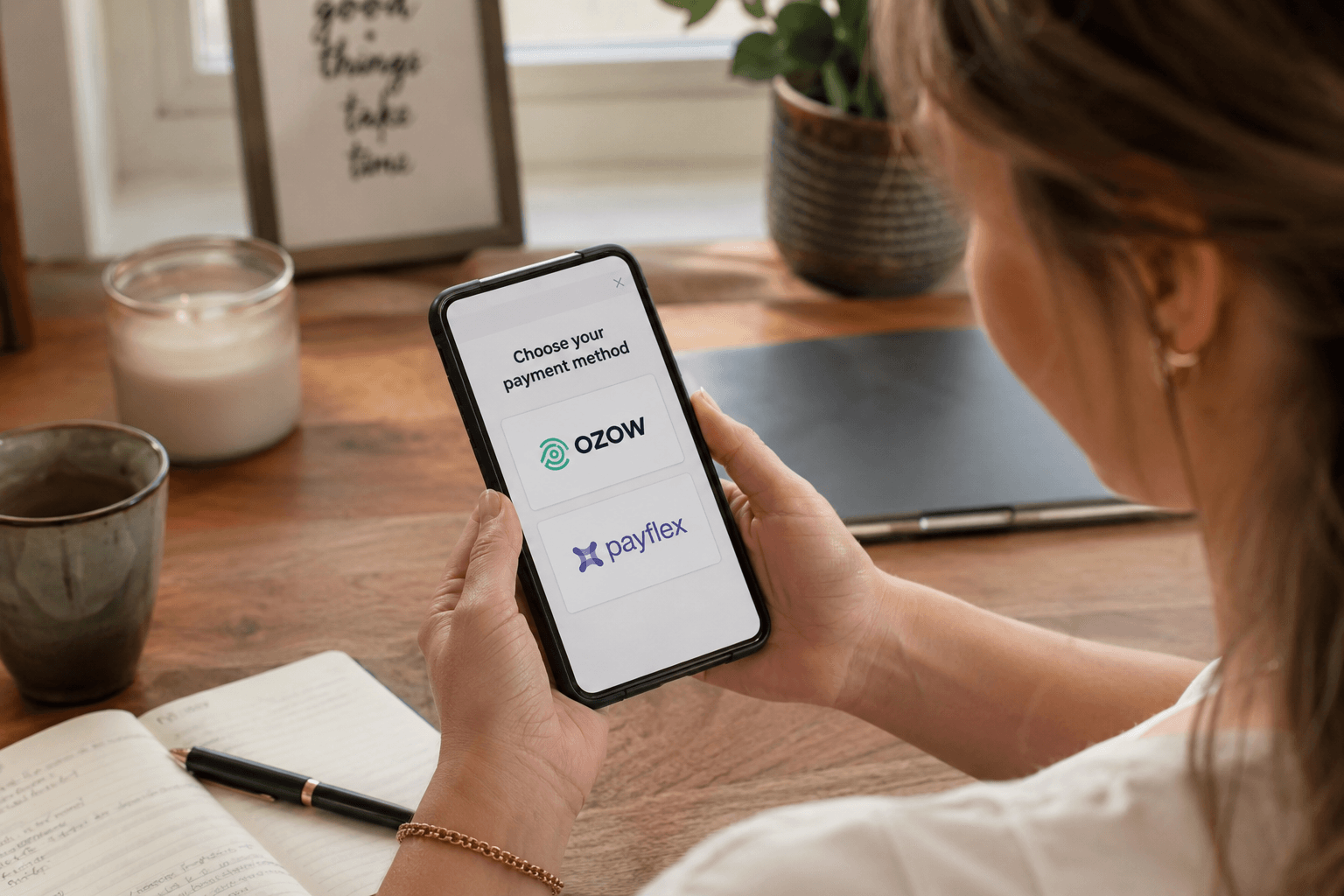
So the real question isn't "which one does Shop Simply prefer" — it's which one actually fits how you run your business. Here's the honest comparison.
The fees are genuinely different
Paystack is cheaper per transaction: 2.9% + R1on card payments, versus Payfast's 3.5% + R2. Instant EFT is 2% either way, so the gap only shows up on card sales — which, for most shops, is most sales.
On a R500 sale, that's roughly R16 to Paystack versus R19.50 to Payfast. Small on one order, real money over a few hundred.

Getting paid works differently
This is the part people underestimate. Paystacksettles automatically to your bank account about two business days after a sale, fees already taken out — you don't do anything.
Payfastpays into a Payfast wallet first. Your money sits there until you actively request a withdrawal to your bank, and each withdrawal costs a flat fee of roughly R10. It's not a huge amount, but it's an extra step you have to remember to do — and a fee you pay for the privilege of doing it.
If you'd rather never think about it again once it's set up, that alone might decide it for you.
Setup takes different amounts of effort upfront
Payfast's signup is quick and light — you'll be issued a Merchant ID and Key fast. Paystack asks for more business verification (KYC) as part of onboarding, which takes a little longer to get through but is a one-time cost, not an ongoing one.
If you want to start accepting payments today, Payfast has the edge. If you've got a few days' runway before you need to go live, Paystack's slightly longer setup isn't a real obstacle.
So which one should you pick?
There's no universally correct answer — genuinely, it depends on what you already have and what you'd rather deal with:
- Already use Paystack somewhere else in your business? Use the same one here — one less account to juggle.
- Want the lowest fees and don't mind a settlement that takes an extra day or two? Paystack.
- Want to be accepting payments within the hour, and don't mind an extra withdrawal step later? Payfast.
- Not sure yet? Pick either one — switching later doesn't cost you anything or lose any data.
How to switch
Settings → Payments → pick the gateway you want → paste in that provider's credentials → save. If you switch back later, your old credentials aren't deleted, so there's no re-entering anything from scratch.
That's genuinely the whole process. No downtime, no migration, no losing order history — it's a setting, not a rebuild.
Head to Settings → Payments and pick the one that fits.
Ready to connect a payment gateway?
Whichever you pick, the money goes straight into your own account — Shop Simply never holds or touches your funds. Switching later costs nothing and loses nothing.